Finds the images other tools miss
Picks the highest-resolution srcset candidate, reads 20+ lazy-load attributes and walks into Shadow DOM and every iframe. Auto-scroll loads infinite pages; live mode catches images as they appear.
Image Scraper Pro finds the images other tools miss — lazy-loaded, CSS backgrounds, SVG, canvas, Shadow DOM and iframes — then lets you filter, audit and bulk-download them in one click.
Also on Firefox · Microsoft Edge · more browsers
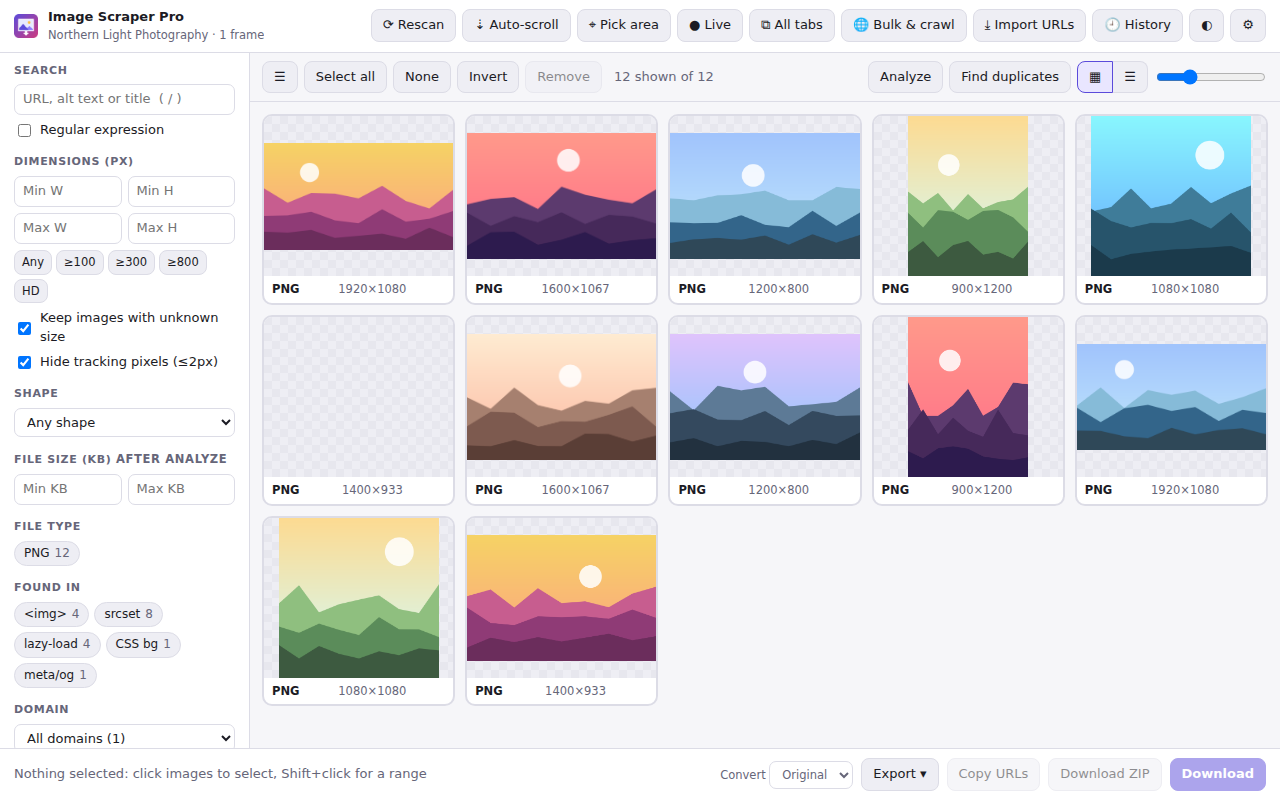
One extension, every major browser
From one photo to a whole-site crawl, Image Scraper Pro is thorough, fast and private.
Picks the highest-resolution srcset candidate, reads 20+ lazy-load attributes and walks into Shadow DOM and every iframe. Auto-scroll loads infinite pages; live mode catches images as they appear.
Size, type, shape, domain, colour and file size — with live counts.
Pause, resume, retry — or one ZIP, split automatically for huge sets.
Links, pagination and sitemap.xml, with robots.txt respected.
Resize, crop, watermark, hit a target size and strip EXIF/GPS.
Alt text, file names, social sharing images, structured data and page speed — with a fix for every finding and a Google image sitemap export.
See what it checks →Everything runs inside your browser: no account, no analytics, no remote servers. It's open source, so you can check every line.
Read the privacy policy →Grab every visual from a page at full resolution, drop the tiny icons, and save the rest as a tidy, named ZIP or a contact sheet.
Crawl a site, run the audit and get a ranked list of pages with weak alt text, poor file names or missing social images.
Pull your catalogue images, then resize, convert and watermark a whole selection in one go — ready for marketplaces and social posts.
Find oversized images and lazy-loading mistakes, export lists as JSON or CSV, and generate URL ranges for datasets.
img[001-500].jpgShift-click ranges, select all or invert, then filter by size presets like ≥800 px or HD. Analyze fetches the exact size, real type and true dimensions of every image.
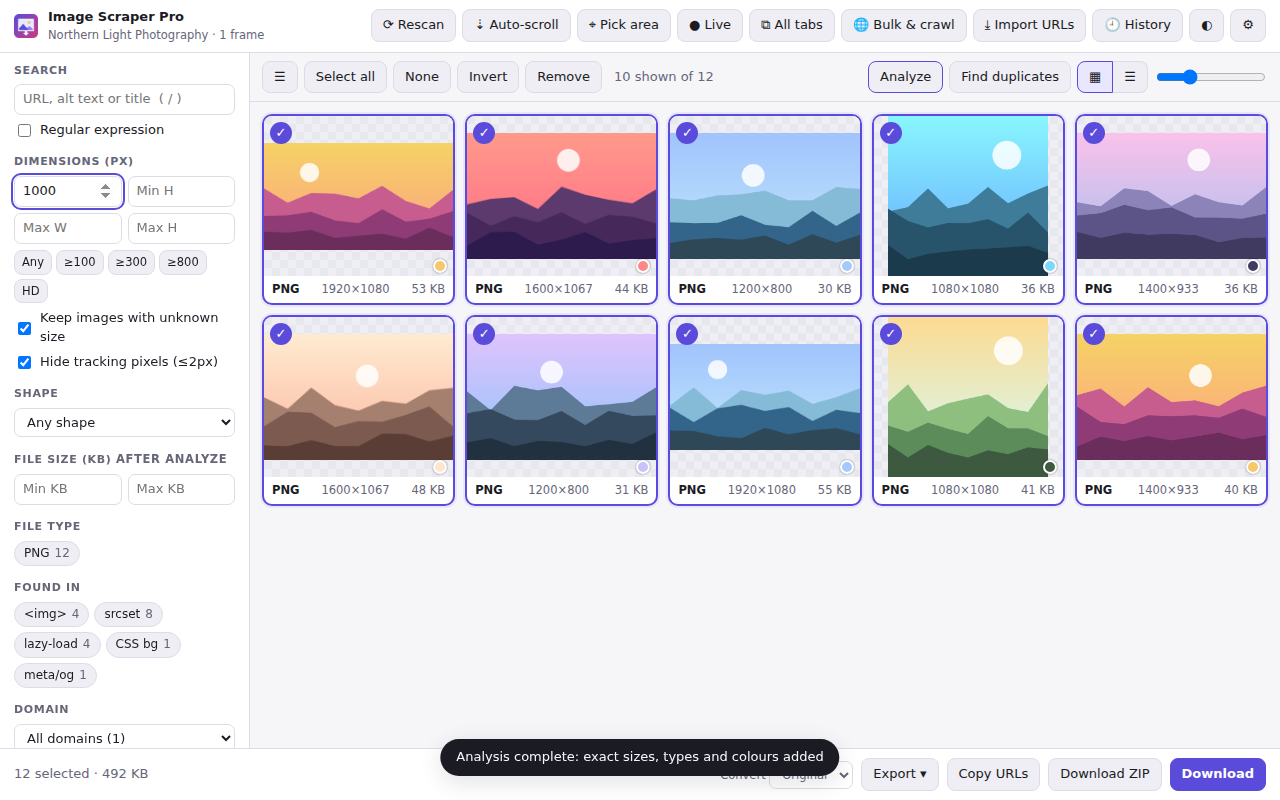
Zoom up to 12×, pan and browse with the arrow keys. See dimensions, type, size, alt text, source, colour palette, camera data and licence information.
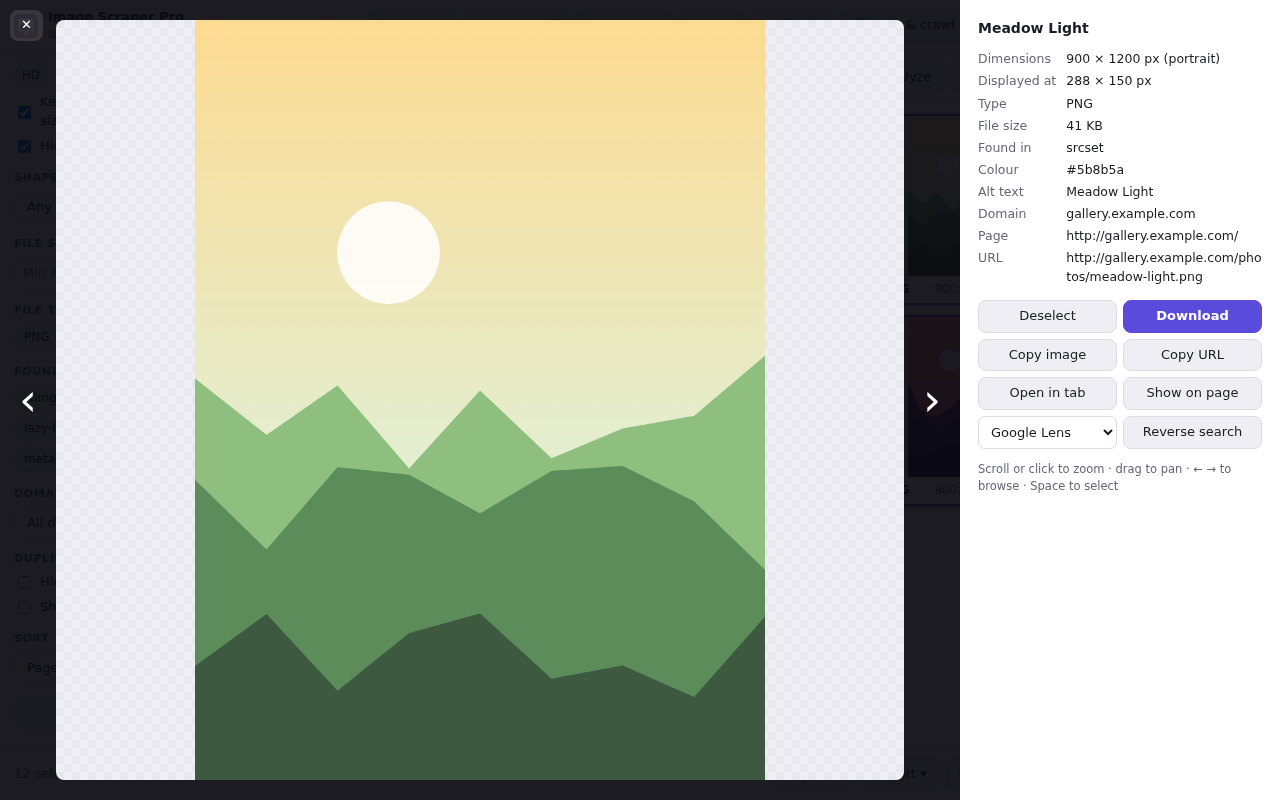
The crawler follows links, "next page" buttons and sitemaps. Fast HTML mode handles hundreds of pages per minute; full-render mode runs JavaScript-built galleries.
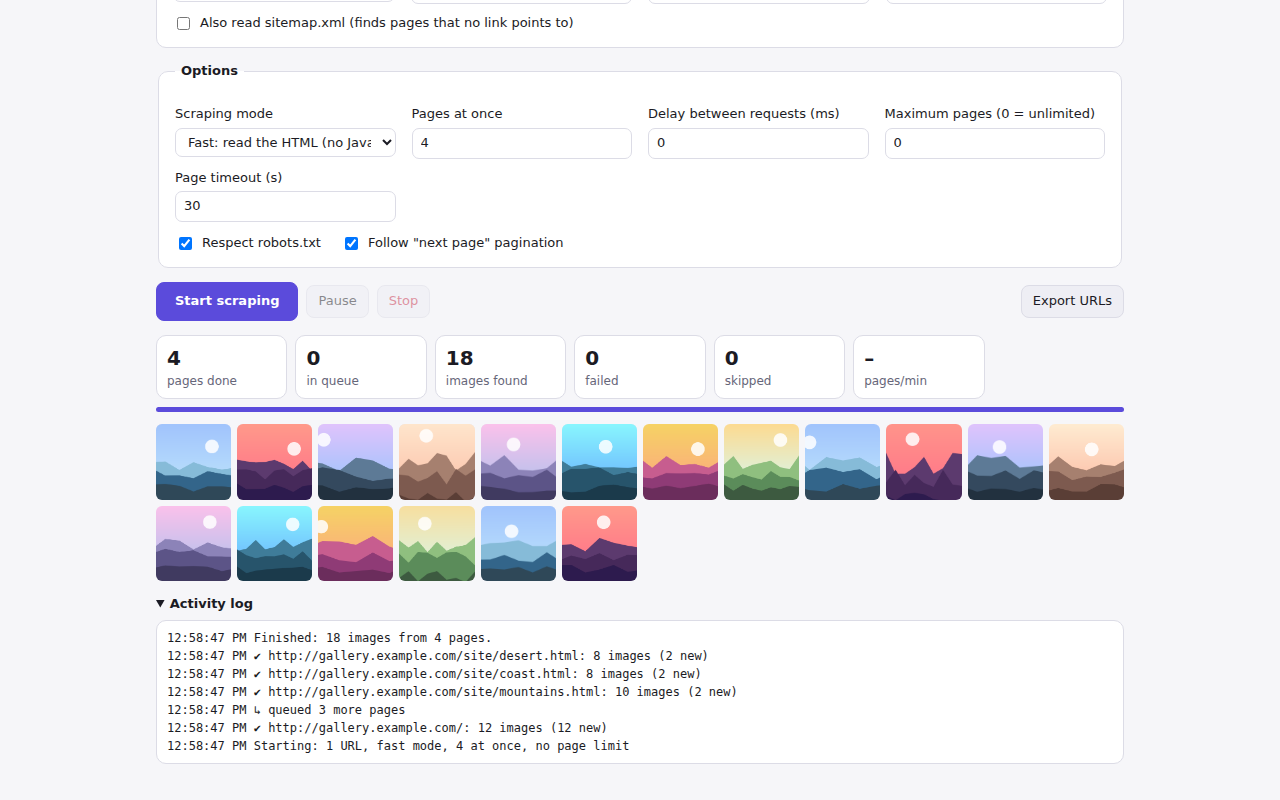
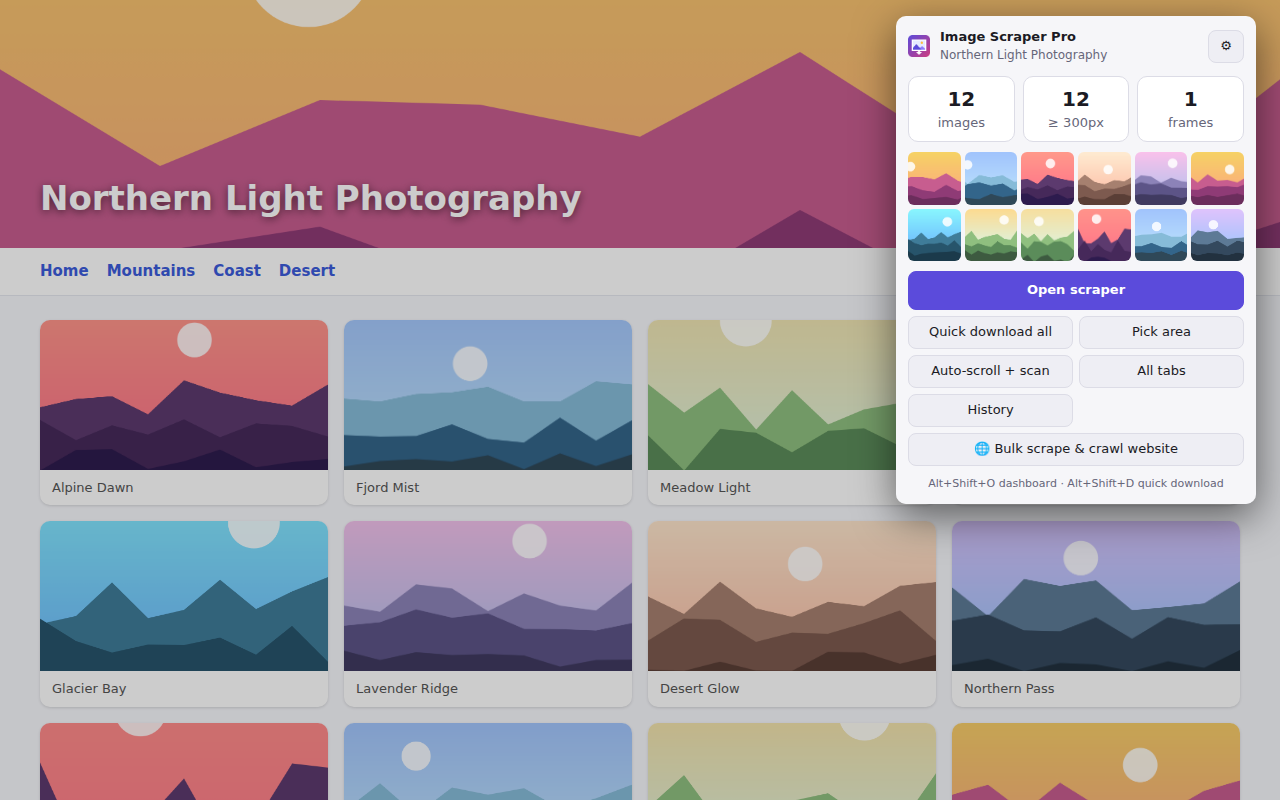
The popup shows an instant image count and the largest images on the page. Quick download uses your saved filters and naming rules.
Click Audit on any page — or a whole crawled site — to see what's holding its images back, with a clear fix for every finding.
6 of 24 images have findings · about 1.8 MB could be saved · 2 page SEO findings
Click the toolbar icon. The extension scans every frame and counts the images instantly.
Narrow the results with filters, preview in the lightbox and run the SEO audit if you like.
Save files or a ZIP, converted and named your way — or export a list, PDF, contact sheet or image sitemap.
Version 1.8.0 · Manifest V3 · GPL-3.0. Pick your browser to download a ready-to-install package.
Chrome, Firefox, Edge, Brave and Vivaldi install in one click from their stores, with automatic updates. Opera and Safari: download the ZIP and follow the step-by-step install guide.
Step-by-step guides for downloading, converting, cleaning and optimizing images.
Yes. It is free and open source under the GPL-3.0 licence, with no account, no ads and no paid tier.
No. Everything — scanning, editing, metadata removal, the SEO audit, PDFs and collections — runs in your browser. The extension has no analytics or tracking and sends nothing to the developer. Only reverse image search, when you choose it, opens the search engine you pick. Read the privacy policy.
Chrome, Microsoft Edge, Brave, Opera, Vivaldi, Firefox (desktop and Android, version 121+) and Safari 16.4+ on macOS, all built from the same Manifest V3 code.
Unzip the download, open chrome://extensions (or edge://extensions), turn on Developer mode, click Load unpacked and choose the unzipped folder. In Firefox, open about:debugging, choose This Firefox and click Load Temporary Add-on. The install guide covers every browser.
Missing, generic, keyword-stuffed, overly long or reused alt text; non-descriptive file names; missing or undersized Open Graph and Twitter images; missing structured-data images; oversized files; images that could be WebP; and lazy-loading mistakes. It exports a CSV report and a Google image sitemap.
Yes. The bulk scraper accepts thousands of URLs, and the crawler follows links, pagination and sitemap.xml with depth, scope and speed controls. It respects robots.txt by default.
That depends on each image's licence and the website's terms. The extension shows the creator, credit and licence a page or file states, and records each image's source in ZIP downloads, but it is not legal advice. Please respect copyright.
More answers, including troubleshooting, in the Help Center.
Free, private and open source. No sign-up, no limits.